Settings — Members
Define which WordPress users your team considers “members” for assignment, @mentions, and round-robin distribution.
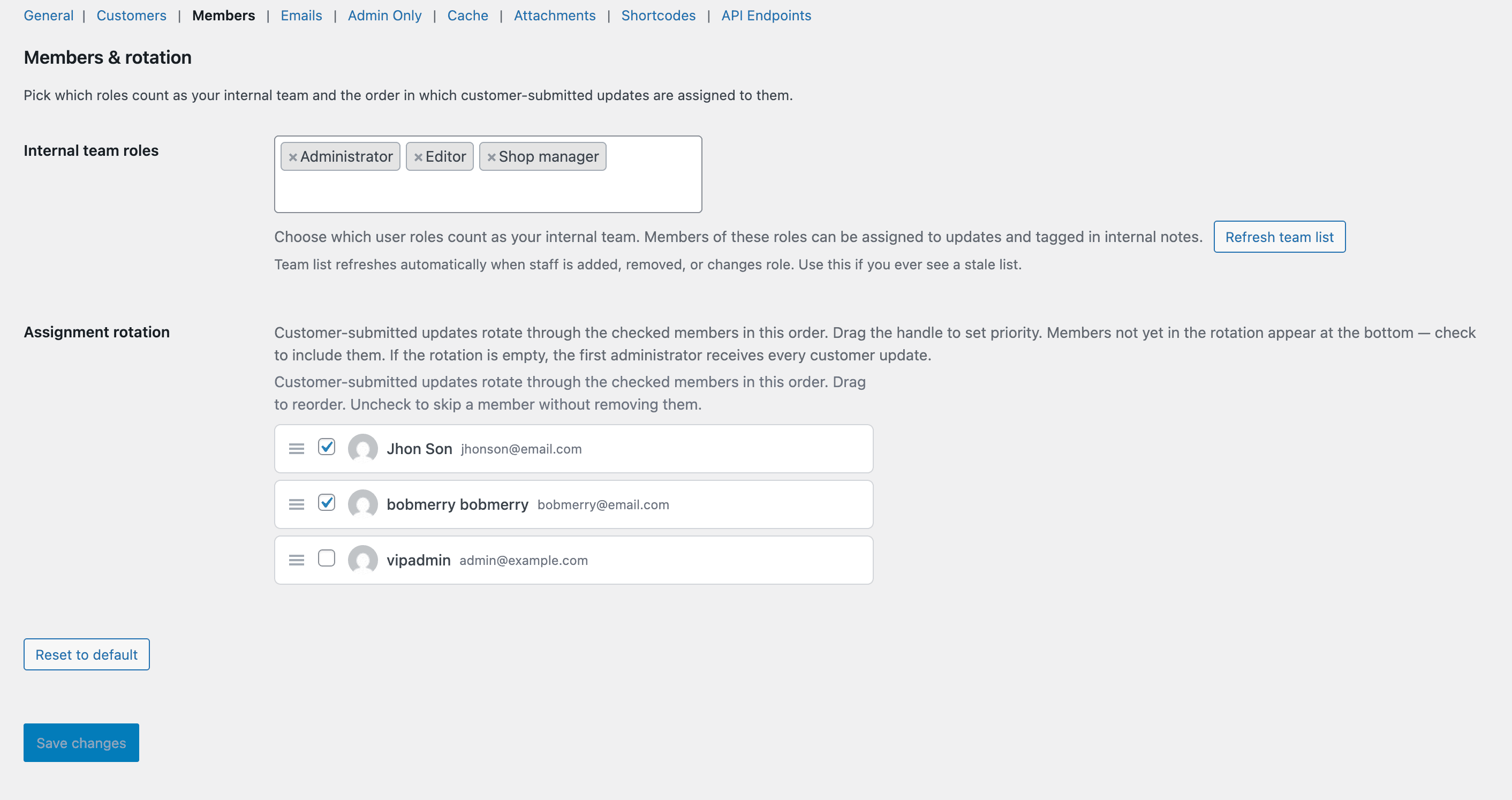
The Members tab.
What this tab does
Controls who appears in the assignee picker and the round-robin pool. By default the plugin uses the standard WP capability gates; this tab is where you customise that.
Available options
Eligible roles
Which WP roles can be assigned updates or @mentioned. Defaults to Administrator, Shop Manager, Editor.
Custom member list
Pin specific users in or out of the eligible pool regardless of their role. Useful for “this admin doesn’t actually handle support” carve-outs.
Round-robin pool
Subset of eligible members who get auto-assigned to new unassigned updates. Pointer tracks position in the list and persists in a WordPress option.