Settings — Cache
Controls the in-memory and transient cache the plugin uses to keep order-page loads fast.
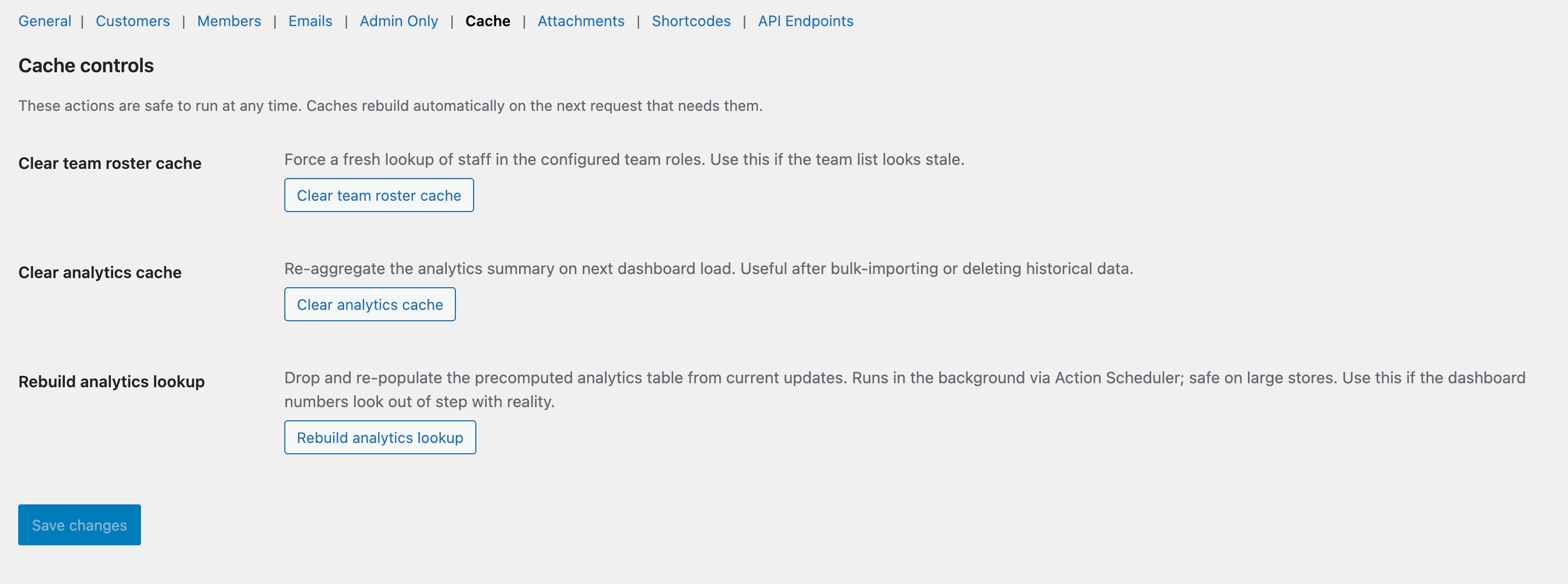
The Cache tab.
What this tab does
Every order page hits the plugin’s DB layer multiple times — updates, notes, attachments, ratings, participants. The cache layer keeps that fast. This tab lets you tune it.
Available options
Cache TTL (seconds)
How long cached query results stay valid. Default 600 (10 minutes). Lower TTL = fresher data, more DB hits. Higher TTL = better performance, slightly staler data.
Object cache backend
Reports which backend WordPress is using (transients, Redis, Memcached, etc.). Read-only — configure in your hosting environment.
Flush cache now
Clears every cached plugin entry. Safe to use; the next pageload will rebuild. Useful after bulk edits or schema changes.