Settings — Attachments
MIME allowlist, max file size, signed-URL TTL.
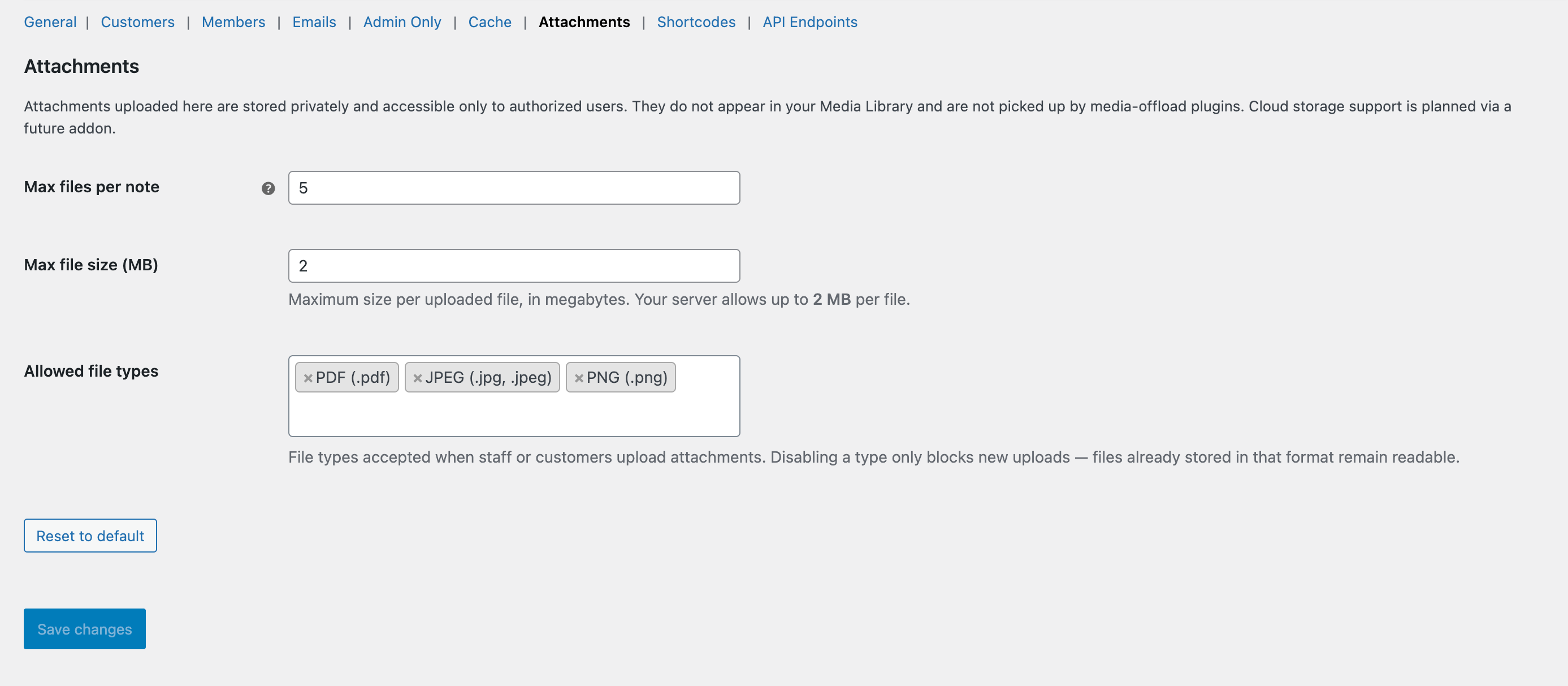
The Attachments tab.
What this tab does
Controls what can be uploaded and how long download links stay valid.
Available options
Enable attachments
Master switch. Off disables the paperclip + drag-and-drop on both composers.
Active MIME allowlist
Subset of the supported MIME types that are currently accepted for upload. Removing a type from the allowlist doesn’t affect existing files — they can still be downloaded.
Maximum file size
Per-file size cap. Default 10 MB. Enforced server-side via wp_handle_upload + a custom check.
Signed URL TTL
How long a customer-facing attachment URL stays valid (HMAC-signed). Default 1 hour. Shorter is safer; longer is friendlier for emails that may sit unopened.