Settings — General
Feature toggles, the customer portal’s appearance, status definitions, rating behaviour. The most-used settings tab.
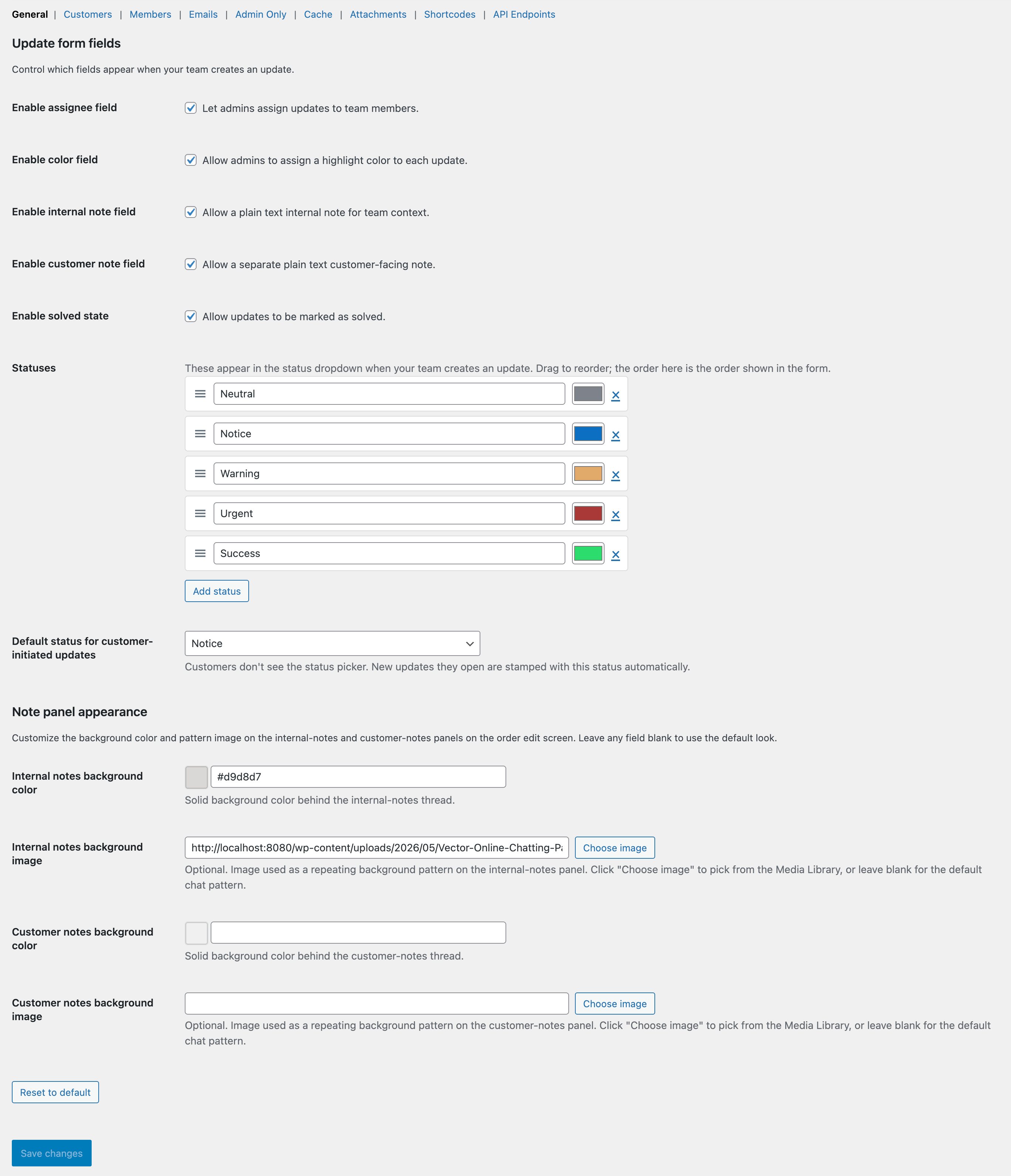
The General tab.
What this tab does
Core feature toggles plus the configuration for ratings, statuses, and the customer portal’s look. If you only ever open one settings tab, this is the one.
Available options
Customer portal
Enable or disable the customer-facing portal. When off, the My Account → View Order page doesn’t render the thread and the shortcode short-circuits to an empty string.
Customer ratings
Toggle the rating widget on solved updates, the comment field, and the follow-up emails (promoter share + detractor empathy).
Statuses
Rename existing status options, change colours, add new ones, set the sort order. One status is the “solved” sentinel — auto-applied on solve.
Portal appearance
Background colour or image for the customer thread, bubble palette, hide/show Opened & Resolved dates, show or hide the assignee’s name to the customer.
Round-robin assignment
Pool of users to auto-distribute new unassigned updates across. Pointer tracks “whose turn is next” in a WP option.